10 Ways to Get Data into Google Sheets | Part 3
In this post we continue to cover ways to import data into Google Sheets.
These are:
- Web scraping
- Google Sheets Scripting
- 3-rd party built-in integrations
To see other seven ways, check Part1 and Part2.
8. Web scraping
Web scraping (aka web harvesting) is a process of data extraction from the web on to other formats. As a result, an amount of specific data is collected and copied to be retrieved or analyzed later. And this data can be gathered in a database or a spreadsheet, a Google Sheet.
Web scraping can come in handy for lead generation, market analysis and insights, research, creating lists of specific information, and many other uses. As always, it all depends on what you need the data for.
- How it works
If you ever copied and pasted any kind of information from a website - congrats, you already did some web scraping! Well, of course, it's the simplest version of web scraping there is, but you get the main idea. Basically, a web scraping tool works in a pretty much the same way… Almost.
To put it simply, after a web scraping tool (or a bot) is given one or several URLs, it loads the entire HTML code of a page (advanced ones can render the whole website, including CSS and JavaScript elements), and then extracts all the data (or just the specific one selected by the user). After that, the data collected is transferred to one of the following formats: CSV, XLSX, or JSON.
- Legal notice
Though web scraping has existed for a very long time and is widely used all over the world, there's still no unambiguous answer to the question of whether it is legal or not. In general, web scraping itself is legal. But it can violate the law depending on the kind of data that is scraped, the way it is extracted, and for what purpose this data is going to be used.
If the data you want to extract is copyrighted or personal and falls under the General Data Protection Regulation (GDPR), or you need to create an account and log in to access the data, there might be legal consequences if you decide to proceed with web scraping.
Simple scraping tool
Here are a few scraping tools that are simple yet efficient and don't require coding.
Octoparse is a robust web scraping tool available both for Windows and Mac Os. It can extract the data to a Google Sheet via API.
Parsehub is a great web scraper that supports collecting data from websites that use AJAX technologies, JavaScript, cookies and etc. It can extract the data to a Google Sheet using the IMPORTDATA function
Web scraper has a Chrome extension and a cloud extension. It allows exporting the data in CSV, XLSX, and JSON formats.
9. Google Sheets Scripting
Sometimes built-in functions are not enough, and you need something more powerful. In that case, you can use Google Apps Script to create more complex functions and formulas of your own.
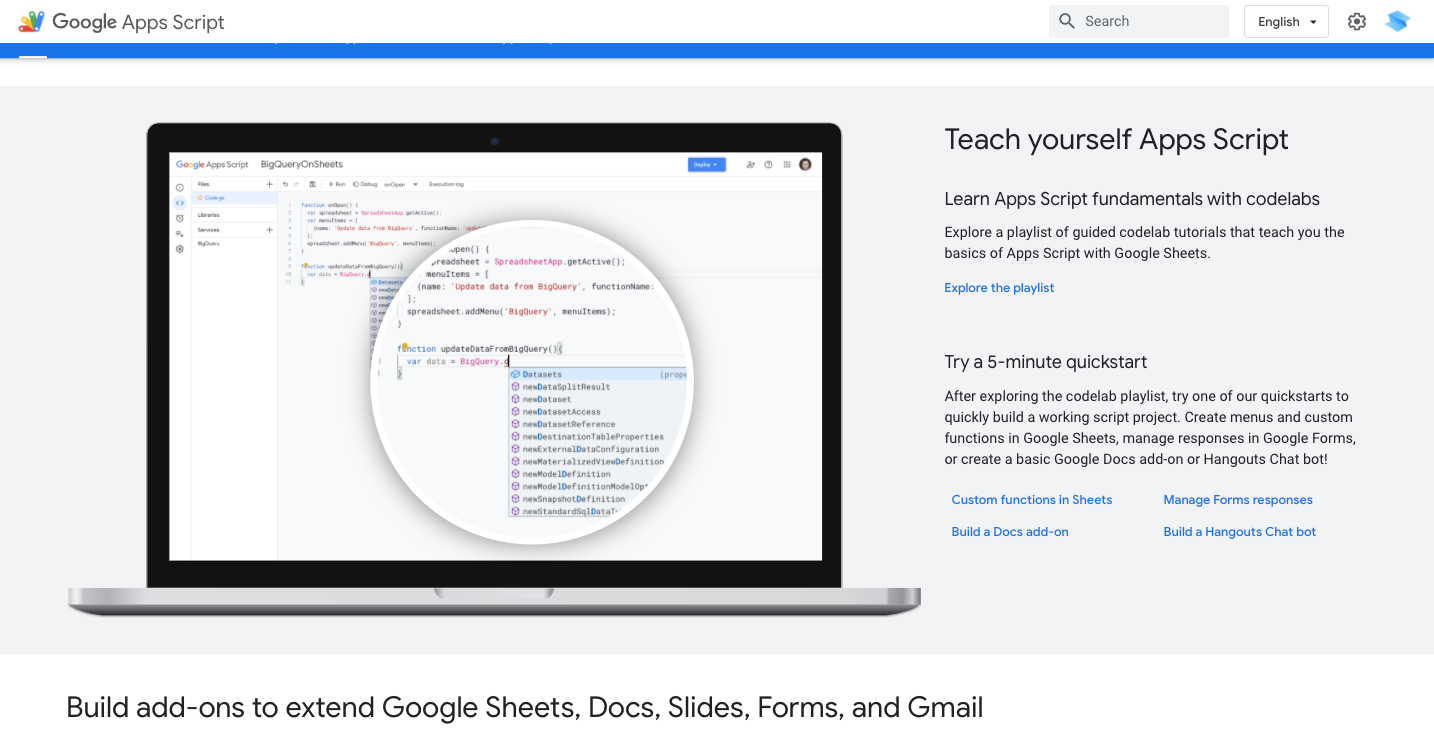
Google Apps Script is a cloud-based scripting language that can help you to automate various tasks with snippets of custom JavaScript code.
It may require more technical knowledge, but even if you're not a developer or not familiar with JavaScript, Google has prepared documentation and guides to help you get started. And there is a great active community where you can find the answers and get support.
10. 3rd party built-in integrations
Using special tools and add-ons dedicated to importing data into Google Sheets can also be an effective way to automatically pull in the data.
Here are a few of them:
- Google Analytics’ Google Sheets add-on to import detailed information from Google Analytics into a Google Sheets.
- Supermetrics to import business data like ad, finance, and social into Google Sheets.
- Twitter Archiever to search Twitter by hashtags or keywords and save matching tweets into Google Sheets.
- Email Hunter to find and fill a Google Sheet with the email addresses at a specific company.
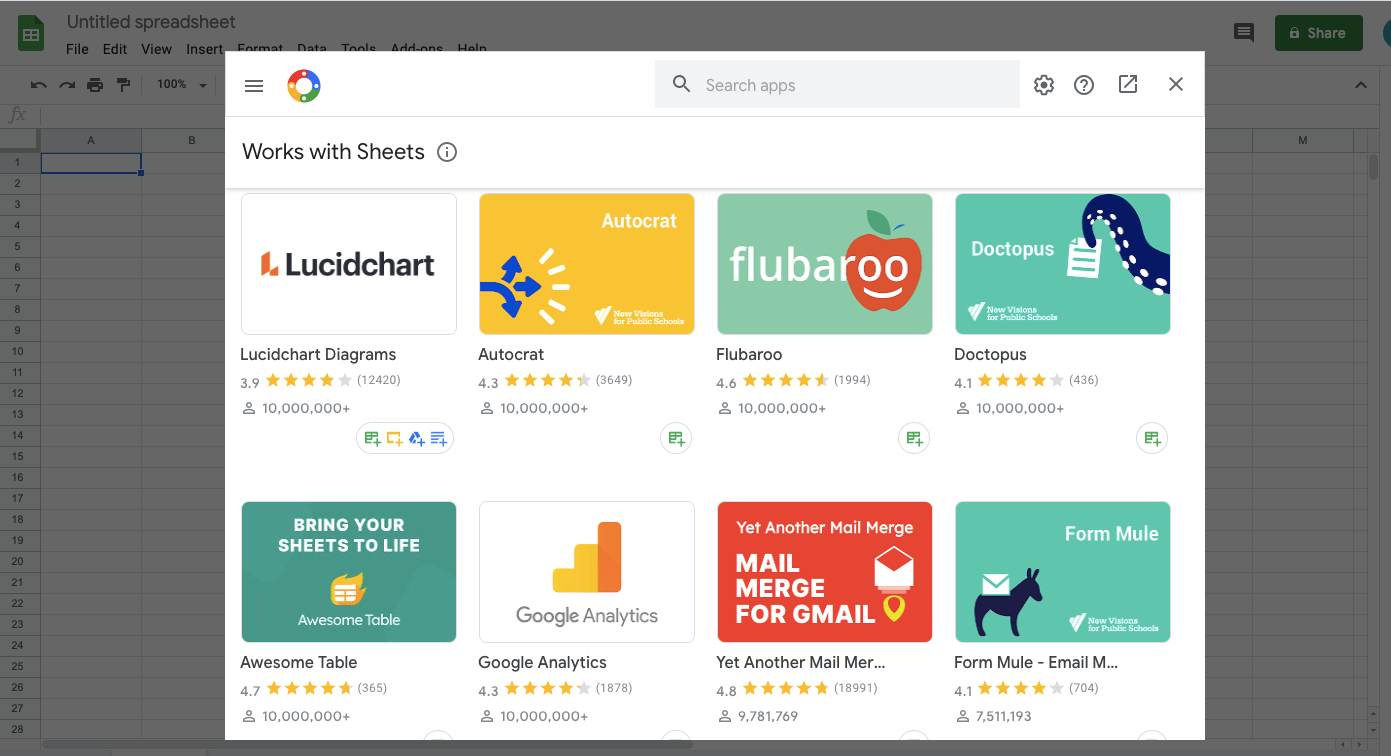
And there are more. Take a few minutes to find the one (or a few) that meets your needs and save a significant amount of time after setting it up. Check the add-on store for Google Sheets.
Next step: Create a website based on Sheets data
After the data is gathered in your Google Sheet, there are ways to make it more visually appealing and easy to share. Of course, it will depend on your case.
For example, if you created a curated list in a Sheet, you can turn it into a beautiful website using one of the no-code solutions, like SpreadSimple.